Merde. Wrong Language again?
How to prevent one of the most common CMS Editor mistakes in #craftcms
Over the years I designed many Websites in Craft CMS, was a Content Editor myself, or both. And one of the most regular mistakes was adding the wrong language on a multilanguage page.
In other words: insert German text mistakingly into the French language version and vice versa.
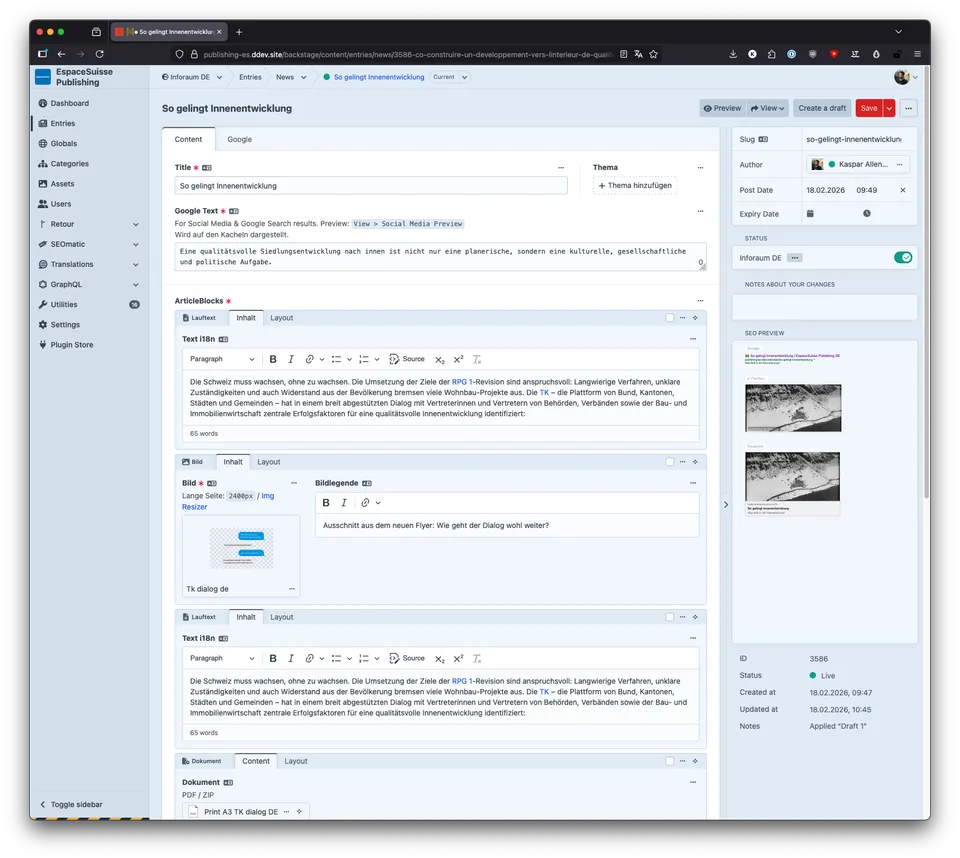
Find the language version indicator. Tip: At the top left, to the right of the sidebar in the breadcrumb menu, just around the corner from the globe icon in the drop-down menu, you will find the indicator showing which language version you are currently using.
Craft CMS has a very handy function. On first Save, all the contents will be copied over into the other language. This helps for orientation within the many fields for understanding where comes what. The downside to this is, that it's not always obvious in which language you're currently working, leading to confusion.
But there is a nifty plugin which lets you customize the appearance of the other languages Control Panel. It's called Control Panel CSS which, in case the name didn't give it away, lets you inject custom CSS into the control panel.
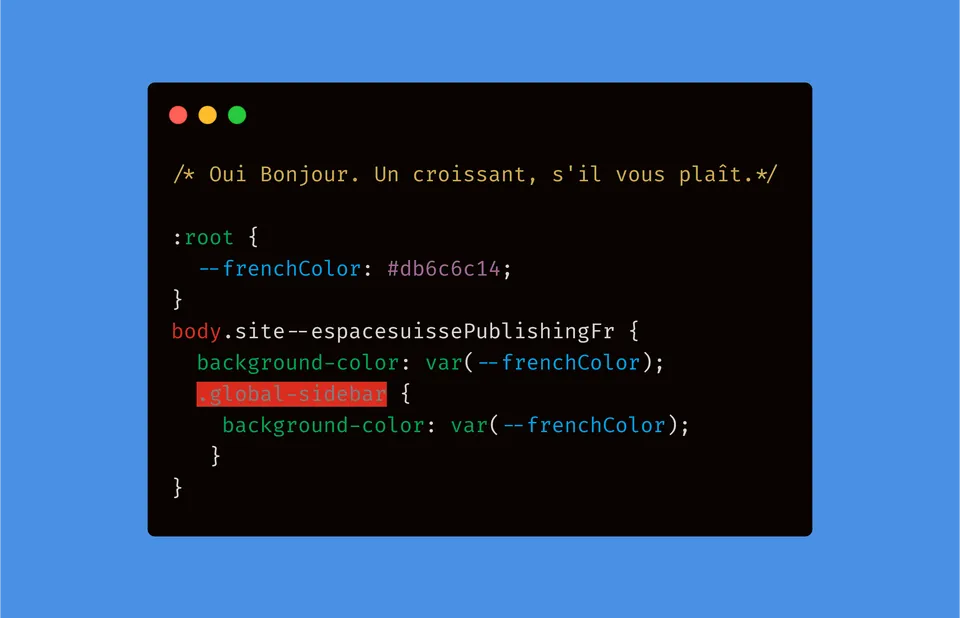
This CSS Snippet changes the background color of the Control Panel unobtrusively
Guten Tag, Ein Bier bitte.
The default Control Panel
Oui Bonjour. Un croissant, s'il vous plaît.
The variation becomes instantly obvious, knowing where you are.
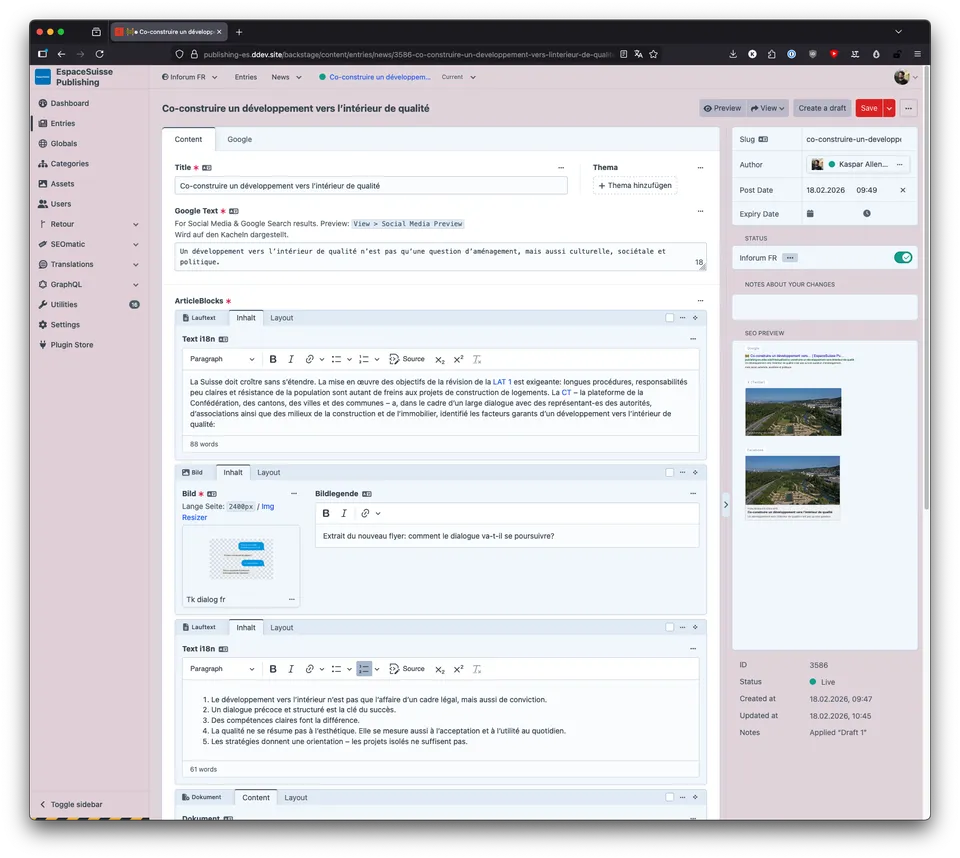
The Control Panel, here in the french language
Less subtlety
In case you need a more stern color pallet. Take Windows 3.1 Hot dog stand as a base and go from there.
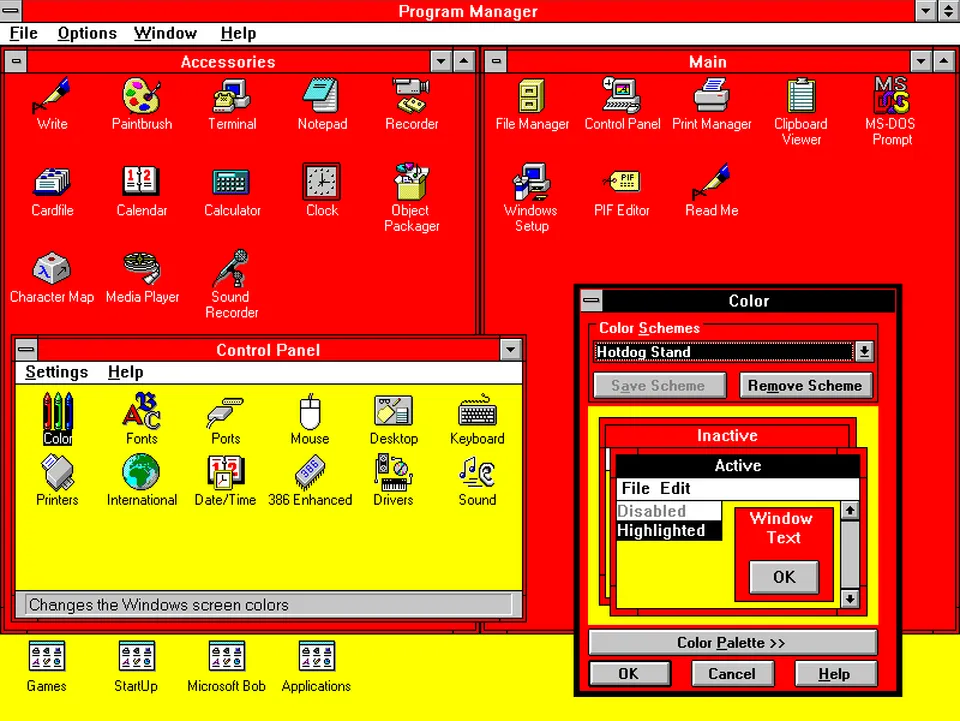
The eye screams in pain
Coding HorrorNow, the pasting of the wrong text Language will never happen again. Right? RIGHT???